How to Make Your First Roblox Game in Roblox Studio: A Complete Guide (2026)
If you’ve ever dreamed of creating your own video games, then this complete guide will make every step of creating your first Roblox game simple and easy, from designing to testing and installation to publishing, even if you’ve never touched a game engine before.

Roblox is a universe of games. It’s an online gaming app with millions of user-made games. Roblox allows users to create anything they want and play multiple game modes with friends in a multiplayer environment. There are role-playing games, adventure games, and fighting games. You can also play horror and fantasy games.
Users can also create their own game and invite friends. Roblox also has a social community where players can chat, make friends, and create groups. It has around 380 million monthly active users and 111.8 million daily active users as of 2026. It’s a kid-friendly game, and it’s also famous among the young.
Roblox Studio is where you build your worlds. It is one of the most accessible and powerful game creation tools available today. Whether you’re planning to design an obby game or dreaming of becoming the creator of the next big hit, Studio provides everything you need, such as building tools, animations, scripting, editors, UI design, and publishing options.
What You Need Before You Start
Before creating your game, make sure you have:
- A Roblox account
- Roblox Studio installed
- Basic mouse and keyboard
That’s it — you don’t need coding experience or game development knowledge.
Step 1. Download and install Roblox Studio
Roblox Studio is a separate free application for creating and publishing games. It is only available for PC users. The studio assists you in creating minigames, adding structures, shaping landscapes, setting game rules, and customizing character movement. To create games in Roblox, you need to create a Roblox account first on the Roblox official website. Download and install Studio after setting up an account. You don’t need a high-end PC and a high-end graphics card installed.
Recommended Requirements
These are the basic PC specs needed to run Roblox Studio. For smoother performance, especially with large or complex projects:
- Operating System: Windows 10 or 11 (64-bit)
- Processor (CPU): 2.5 GHz or better (dual-core or higher)
- RAM: 4 GB or more
- Graphics Card (GPU): DirectX 10 or higher compatible GPU
- Storage: SSD preferred for faster loading
- Internet Connection: Required for downloading Roblox Studio, assets, and publishing games
- For Mac users, Roblox Studio also works on macOS 10.11 or higher, but Windows PCs generally offer better performance.
Step 2. Choose Your Game Mode
Roblox Studio offers many ready-made templates for users, such as obbys, simulators, tycoons, and adventures. You can also make racing games, arcade games, and a horror game.
Once you press “Start Creating” and open the “New” tab, you will see a list of these templates. From there, choose the template that best fits your game idea. The templates come with pre-built structures that even a beginner can design, edit, and publish in less time without starting from scratch.
Recommended Templates for Beginners:
- Baseplate (clean, empty workspace)
- Obby Template
- Classic City
- Village
- Racing
Step 3. Personalize Your Game
After choosing a template, Roblox Studio loads your workspace, and the editing screen appears like this. Here, the perfect magic happens. You can modify the game however you want. You can create buildings, add trees, and select the weather.
Roblox Studio gives you all the tools to customise your world. Use the terrain editor to shape the rough area into a natural one. Use animations to give life to characters, and place realistic landscapes so your game feels alive. Plugins make the design process in Roblox Studio faster or more powerful. With the Lua scripts, you can control how your game acts and add missions and rewards in your world. Every tool has its own unique speciality. By combining all the tools, editors, and plugins, you can construct a futuristic world.
Roblox uses Lua, a beginner-friendly scripting language. You don’t need to be an expert—start with simple scripts.
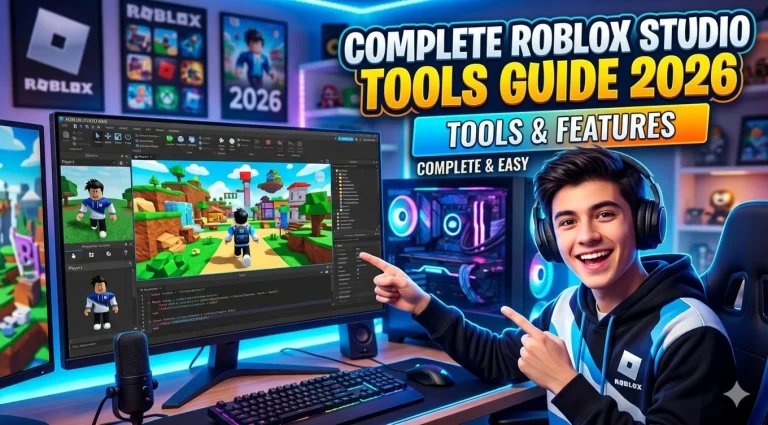
Here is a simple overview of studio tools and equipment. Your creation process will become easier with these studio tools:
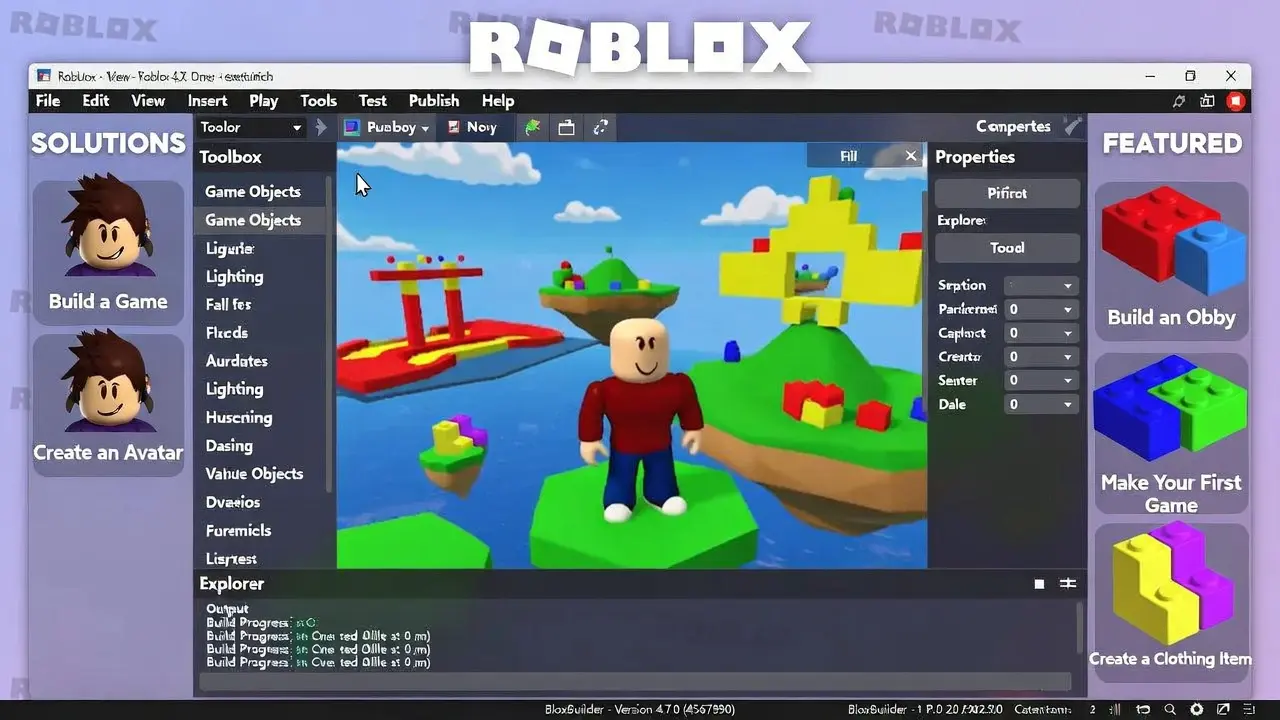
- 3D building tools for creating environments, structures, and objects.
- Terrain Editor for shaping natural landscapes like mountains, rivers, and oceans.
- Animation Editor to animate characters, objects, or vehicles.
- Scripting Editor (Lua/Luau) to add game logic, missions, and rewards.
- UI (ScreenGui) tools for menus, health bars, scoreboards, and inventory systems.
- Lighting tools to create immersive, realistic, or cinematic environments.
- Plugins to extend functionality, speed up building, and improve workflow.
If you’re looking for a complete guide covering all Studio tools, editors, and plugins, this will help you get started and understand everything in one place.
Step 4. Test Your Game
Always test your game before publishing. It is important to run a test to confirm that it performs smoothly and bug-free. Use the “Play” button in Roblox Studio. It will run your game in test mode, where you can move around, interact with objects, detect any bugs, and readjust the design accordingly. You can also invite your friends to test your game, which can help you find mistakes you might have missed.
Step 5. Publish your game (Upload to Roblox)
Once you are done with the game creation, the final version of your game is ready. Now, it’s time to publish it on the Roblox Platform to make it available for the entire Roblox community to enjoy your game. Go to the “Create” tab and hit the “Publish to Roblox” option. Make sure your game has an eye-catching thumbnail, a clear title, a short description, and a few tags to attract other players to discover and enjoy your game.
Step 6: Promote
After publishing, the final step is promotion. Without it, you can’t make your game reach a wider audience. To attract more players or make it popular, you need to promote it. You can post about it on social media, share in Roblox community groups, and interact with Roblox players, telling them what’s unique in your game and highlighting the unique features or mechanics of your game that make it stand out.
Most Roblox game jams or competitions have a showcase page where participants’ games are listed. You can also participate in Roblox events or competitions to increase visibility.
Why Making Games in Roblox Is Great
Conclusion
Creating a game on Roblox is fun, creative, and a great way to learn new skills and enhance your building abilities. With Roblox Studio, anyone can design, test, and publish their own game step by step. If you are someone who enjoys playing Roblox, then you can download the latest version of the Roblox mod APK from our website.
The best part? Roblox is for everyone, and anyone can design and build. You can even create a basic game without writing code by using built-in templates, drag-and-drop tools, and ready-made assets. And if you want to go further, Roblox uses Lua, a simple and beginner-friendly coding language that is easy to learn.