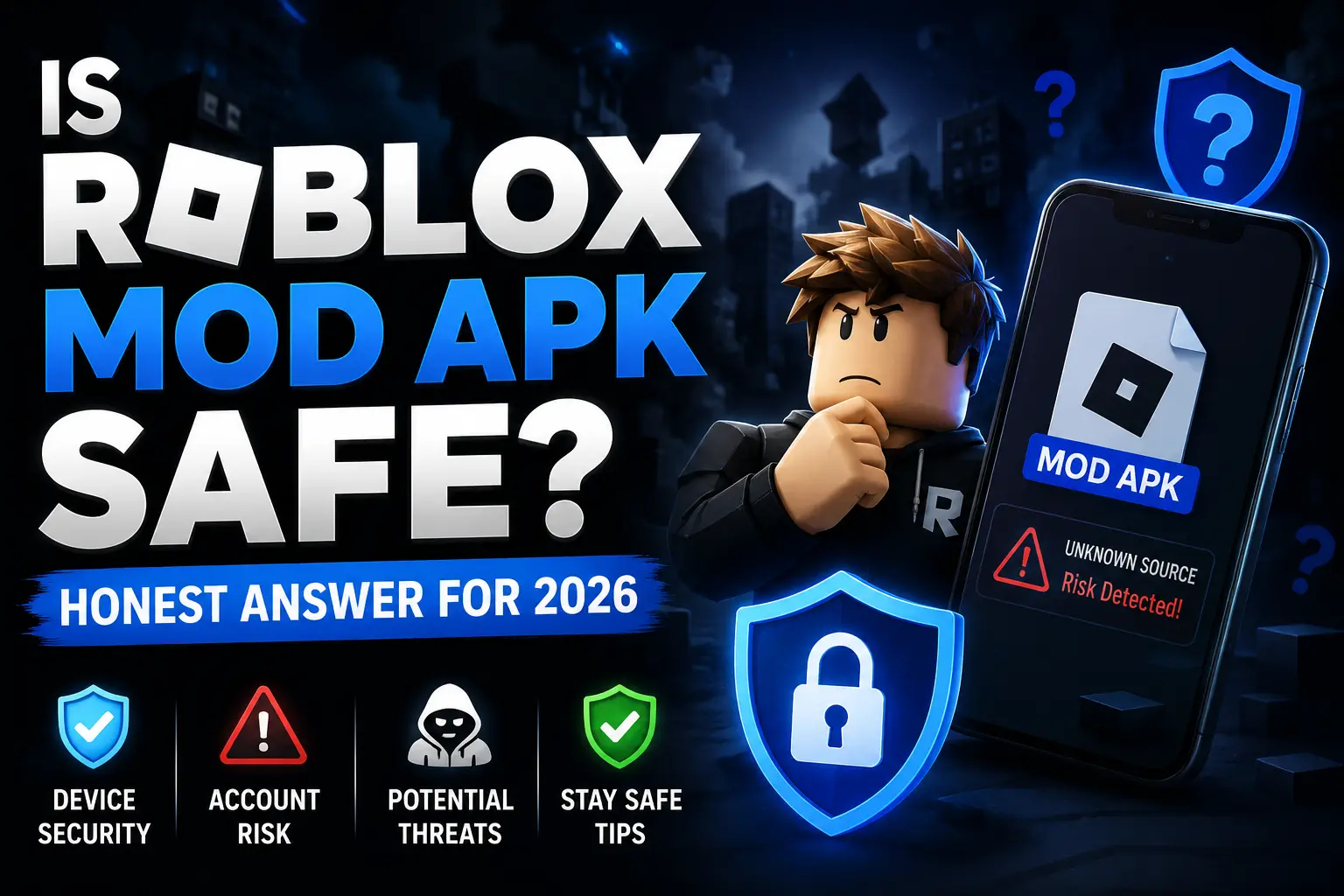
Is Roblox Mod APK Safe? Honest Answer for 2026
Most sites answer this question the same way: “Yes, 100% safe, no ban guaranteed.” Then they put a download button below it.
That’s not honest. Here’s what’s actually true.
There are two completely separate safety questions here: device security and account security, and they have different risk levels and different solutions. Let’s cover both clearly.
Part 1: Device Security
The Real Risk
APK files installed outside the Google Play Store bypass Google Play Protect, the system that normally screens apps for malware before they reach your device.
A malicious mod APK could contain:
- Adware—forces unwanted ads in notifications or over other apps
- Spyware—silently collects data from your device (contacts, messages, browsing history)
- Cryptojackers—use your CPU to mine cryptocurrency in the background, draining battery and slowing performance
- Credential stealers—attempt to capture login information from other apps
The risk level depends entirely on where you download from. Sites that have been actively maintaining mod APKs for years and have verifiable community reputations carry significantly less risk than anonymous one-page sites that appeared last month.
How to Protect Your Device
Step 1: Scan every file before installing.
Go to virustotal.com, upload the APK file, and wait 30 seconds. VirusTotal scans against 70+ antivirus engines simultaneously. Zero flags or 1–2 minor flags from small engines mean the file is generally considered clean. Five or more flags from established engines (Kaspersky, Malwarebytes, ESET) mean don’t install it.
This is the single most effective thing you can do. It takes 60 seconds.
Step 2: Watch for warning signs after installing.
If any of these appear after installation, something is wrong:
- Battery draining significantly faster than normal
- Unexplained mobile data usage spikes
- Device running hot without an obvious cause
- Ads appearing in notification bars or over other apps
- Apps opening on their own
Uninstall immediately if you see these and run a security scan.
Step 3: Re-enable Play Protect after installation.
If you had to disable Play Protect to complete installation, turn it back on once you’re done. It’ll continue protecting you from other apps even if it couldn’t screen this one.
Part 2: Account Security
The Real Risk
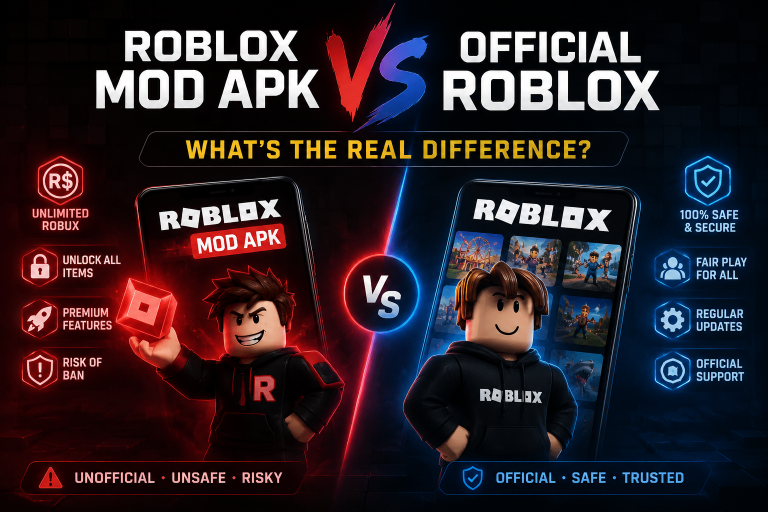
Using Roblox Mod APK violates Roblox Corporation’s Terms of Service. Account bans are a real consequence, and the detection system is more sophisticated in 2026 than it was two years ago.
Roblox updated its anti-cheat in 2024–2026 to include machine learning behavioral detection. This is the important change. Previous detection systems looked for known mod file signatures, which could theoretically be defeated by changing code signatures, hence the “anti-ban” marketing claims.
Behavioral detection works differently. It analyzes what your character actually does:
- Moving at 50x+ normal speed
- Passing through solid surfaces
- Making resource collection at rates impossible for a human player
- Jump patterns inconsistent with normal physics
These behavioral signatures can’t be hidden by modifying the APK code, because the detection is observing your gameplay from the server’s perspective, not scanning your device.
“Anti-ban” features in mod APKs reduce risk by making behavior less extreme and signatures less obvious. They do not eliminate detection risk.
The One Rule That Actually Protects You
Never use any mod version on your main Roblox account.
This is the most important safety advice on this page. Create a free secondary account:
- Different email address from your main account
- No linked payment information
- No connection to your main account (don’t add your main as a friend from it)
- No Robux purchases on this account
If the secondary account gets banned, you lose nothing you care about. If your main account gets banned, you could lose years of progress, avatar items, Robux you paid real money for, and any premium subscription.
No mod feature is worth that trade.
What Increases Ban Risk
- Using Speed Hack at very high multipliers (50x+) in populated public servers
- Using Wallhack in competitive games where other players will notice and report you
- Playing on games built by professional studio teams; these have more active server-side anti-cheat
- Transferring items or Robux from a mod-used account to your main account
- Making purchases on any account you use with mod versions
What Reduces Ban Risk
- Keeping mod use on a secondary account with nothing of value
- Using moderate feature settings (Speed Hack at 3x–8x rather than maximum)
- Playing in less-trafficked, simpler games rather than competitive front-page experiences
- Not drawing attention through obviously impossible behavior in public lobbies
Is It Legal?
Two different questions:
Is it against Roblox’s rules? Yes, it violates their Terms of Service.
Is it illegal? In most countries, using a modded app for personal use is not a criminal offense. The practical consequence is account termination, not legal action. Roblox Corporation’s enforcement is ToS-based, not criminal prosecution.
The “Anti-Ban” Claim: What It Actually Means
You’ll see “anti-ban” on almost every mod APK download page. Here’s what it realistically refers to:
- The APK signature is obfuscated to avoid simple signature-based detection
- Network traffic is shaped to look similar to the official client
- Some feature multipliers are throttled by default to avoid obvious behavioral flags
None of this is a guarantee. Players using “anti-ban” versions have had accounts banned. The detection system observes behavior and behavior at 100x speed is behavior at 100x speed regardless of what the APK code looks like.
Use the secondary account approach. It’s the only protection that actually works reliably.
Quick Safety Checklist
Before installing:
- Downloaded from a site with a verifiable track record
- File scanned on VirusTotal; result clean
- Secondary Roblox account created with a different email
After installing:
- Logged in with secondary account only
- Playing in sandbox/casual games rather than competitive experiences
- Using moderate feature settings, not maximum multipliers
- Watching for unusual device behavior (battery, data, heat)
Frequently Asked Questions
Can Roblox permanently ban my account for using a mod APK?
Yes. Roblox’s Terms of Service allow them to permanently terminate accounts found using unauthorized modifications. No appeal process reliably reverses a ban for ToS violations.
Is it safe to give my Roblox login details to install a mod?
Never. No legitimate mod APK requires your Roblox credentials to install. If a site asks for your username and password to “activate” a mod, it’s a credential phishing attempt. Close it immediately.
Does using a VPN protect my account when using Roblox Mod APK?
No. A VPN changes your IP address, not your gameplay behavior. Roblox’s behavioral detection analyzes what your character does in-game; a VPN does not affect that.
What happens to my Robux if my account gets banned?
Roblox does not refund Robux on banned accounts. Any real money spent on Robux for a banned account is lost. This is another reason to keep your main account and any account with real money attached away from mod use entirely.
Are there any Roblox mods that are completely undetectable?
No. Every site claiming completely undetectable or 100% safe mods is making a claim they can’t guarantee. The secondary account approach is the only reliable protection strategy.
Conclusion
Roblox Mod APK carries two real risks: device security (manageable with a VirusTotal scan) and account security (manageable with a secondary account). Neither risk is zero. Neither is unavoidable with the right approach.
Scan the file. Use a secondary account. Play modestly. Those three things reduce risk to a level most experienced mod users are comfortable with.
For everything else, start with our Roblox Mod APK page to download the latest version, then follow our Installation Guide for step-by-step setup.